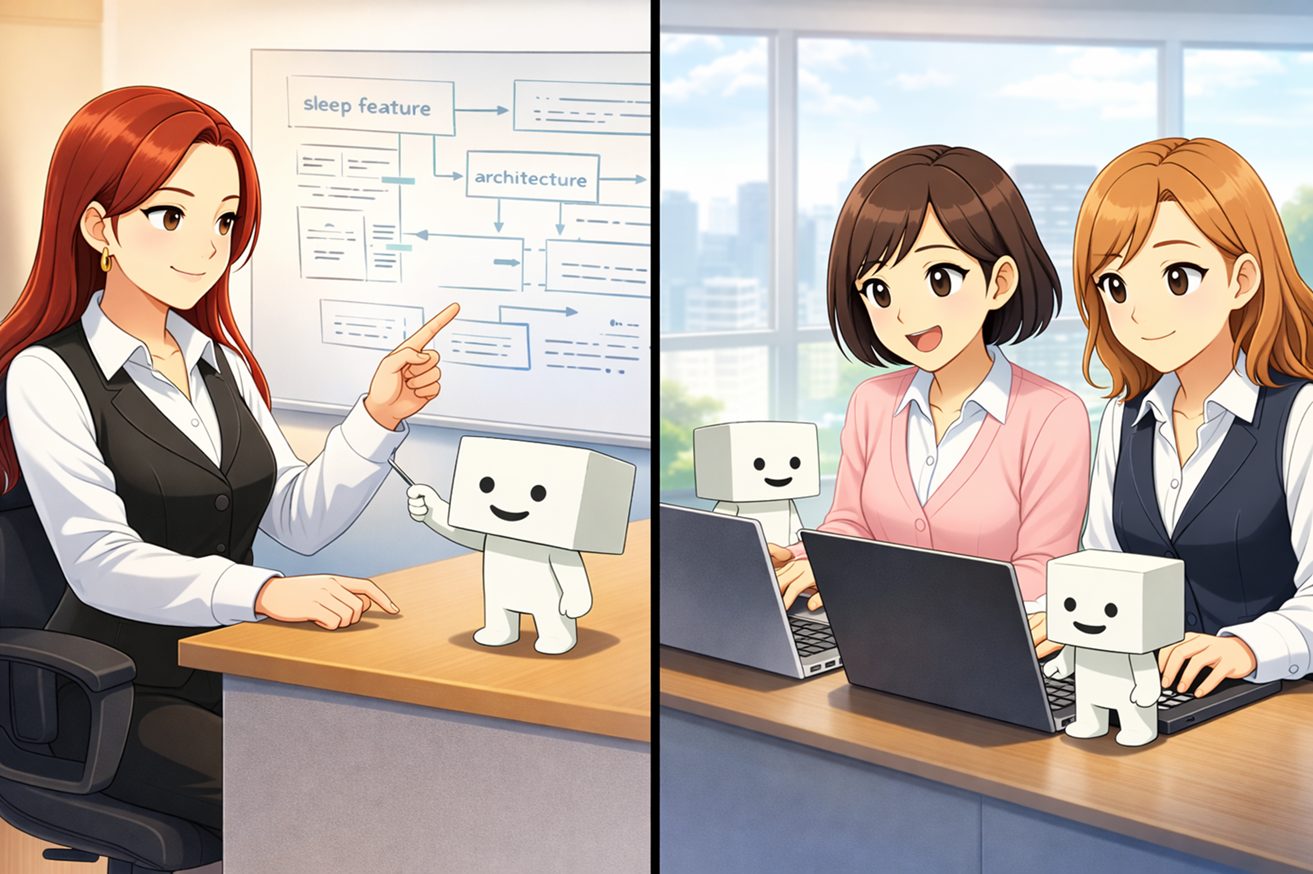
As part of a health digital transformation initiative, I am developing a smartphone app that exports data from Google Health Connect to Google Sheets. As shown in the figure below, I ask ChatGPT to generate the source code, paste it into Android Studio, and then build and debug the app. If an error occurs during the build, I relay the error to ChatGPT and ask for suggestions on how to fix it. In this way, I am driving development by moving back and forth between generative AI (ChatGPT) and the IDE (Android Studio), with the developer at the center of the process.

Challenges in Development Using Generative AI (Conversational)
Generative AI (ChatGPT) has made programming much easier by providing support through repeated interactions, such as suggesting code snippets. For this smartphone app project, I’m using Kotlin, a Java-based programming language, which is a first for me. Even so, with ChatGPT’s support, I’ve been able to build the project, add code line by line, and gradually improve functionality through testing.
However, there is one challenge: the sheer volume of back-and-forth communication. When I need to figure something out, I go back and forth with ChatGPT. Once I have a concrete piece of source code, I build it using the IDE (Android Studio). If a build error occurs, I check with ChatGPT and get an improved version of the source code. I then repeat the process of building in the IDE. If the build passes, I test it on a physical device. Depending on the test results, I go back and forth with ChatGPT again, endlessly repeating the cycle of corrections and improvements. During this time, I have ChatGPT manage my backlog so I don’t lose track of the situation.
ChatGPT is extremely helpful, but combined with my own lack of expertise, the number of interactions has become quite high. I wish I could delegate a bit more to it.
Utilizing AI Agents
Recently, there has been a lot of buzz around development using AI agents. You can tell the AI agent what you want to achieve in your development, and it will write the source code on your behalf, attempt to resolve any issues on its own, and even run tests and builds. Since we are using ChatGPT for this project, we will be using CODEX. While coding assistants like GitHub Copilot and Claude Code have recently emerged, we decided to start with CODEX, which is available within the scope of our ChatGPT subscription.
The relationships are as follows. Think of CODEX as acting as an intermediary between the developer and Android Studio. Since CODEX is actually run in the terminal within Android Studio, the diagram might look a bit odd.

Changes in the Relationship with Generative AI
The expected role of generative AI changes before and after the adoption of CODEX. This is summarized in the table below.
| Phase | ChatGPT only | ChatGPT and CODEX |
| Review of Programming Content | Discuss via conversation with ChatGPT | Same as above. Additionally, please create a prompt for submitting a request to CODEX. |
| Creating and modifying source code | Paste the code generated through a conversation with ChatGPT into Android Studio. Occasionally, the code may be incorrect; in that case, paste the current code into ChatGPT and ask it to suggest revisions. | We will review the development plan and workflow in CODEX. After that, we will review the source code modifications. They will review the code while looking at the actual source. We will then confirm with the developers whether the proposed changes are appropriate. *Note: We may also detect other issues during this process. |
| Building and Troubleshooting Build Errors | Instruct the IDE to build the project. If an error message appears, paste the error message into ChatGPT to get a suggested fix, then modify the source code as described above. | CODEX can detect errors, automatically correct them, and rebuild the code, thereby driving autonomous improvements. Depending on the nature of the issue, it may ask the developer for approval to proceed. |
| Test | Developers either write test code or perform tests by interacting with the user interface. If issues arise during testing, they continue to work with ChatGPT to make the necessary fixes. | You can specify the test criteria and experiment with different parameter combinations. Once sufficient verification has been completed, the developers will perform the tests. |
We use conversational generative AI to complement developers’ capabilities. We use it to brainstorm development and modification ideas through conversation, or to have it generate source code. However, the actual development is performed by the developer using an IDE. On rare occasions, the source code in the IDE may not match the code returned by ChatGPT; in such cases, we may provide the IDE source code to ChatGPT to prompt it to reconsider. Essentially, we use it to assist the developer’s work.
On the other hand, when using the AI agent (CODEX), developers no longer need to write the source code themselves. They can still use the IDE to handle fine-tuning and other developer-specific adjustments as before. Essentially, developers describe what they want to achieve in text, and CODEX processes the information to determine how to modify existing code or add new classes, then presents an implementation proposal. CODEX will consult with the developer when judgment is required, such as when it has received development content and a concrete development plan is ready. The developer then decides whether to proceed, make further adjustments, or stop.
Although I’ve described it as a developer and an agent, when using the agent, CODEX effectively becomes the developer, while the human developer manages the development by monitoring CODEX’s actions and responding to its inquiries. It feels like the roles have shifted slightly.
Actually developing with an agent
As we continued to make changes to the smartphone app, the codebase grew in size, and the amount of work involved in copying and pasting code generated by ChatGPT into the IDE also increased. Consequently, we decided to switch to agent-based development. We implemented the following actual development tasks:
- Revision of Sleep Duration Calculation Method (in Origin Units)
- Revision to make screen scroll controls and manually entered values easier to understand
As we moved forward with these initiatives, we encountered some challenges. The challenges and our responses are outlined below.
Issue 1: I can’t write instructions for CODEX.
I’ve had to figure out how to pass tasks that I previously solved through conversations with ChatGPT to CODEX with a single instruction, and I’ve been struggling with how detailed those instructions should be. I resolved this by having ChatGPT write the instruction prompts for CODEX, but I’m still working out the details. To avoid having to write out every instruction from scratch each time, I’ve been documenting the app in README.md and outlining the program’s structure in Project_map.md—and I’ve had ChatGPT generate all of these as well. By placing these files in the project folder within the IDE, I can ensure that all the essential information is conveyed without omission. I continue to rely on ChatGPT for support regarding this approach to using CODEX.
Issue 2: I relied too heavily on CODEX, which caused it to malfunction.
When I instructed the team to review the method for tracking sleep duration, an issue arose where a feature that had previously been working properly stopped functioning. Specifically, when the permission to access HealthConnect data on a smartphone was not granted, the system used to display a permission settings screen and prompt the user to grant access; however, for some reason, it had started automatically displaying an error message instead.
In cases like this where the issue is clearly identifiable, I can specifically inform CODEX that the previous functionality has been disrupted by this fix and instruct them to restore the original behavior. Additionally, to prevent such mistakes from occurring in the first place, we will add instructions to keep fixes to the absolute minimum and avoid making changes to unrelated source code. Since this issue was noticed during the review of the fix, it serves as a reminder that simply approving changes without thoroughly reviewing them can lead to such problems. Therefore, it is essential to carefully scrutinize the details and determine whether to proceed with the work.
Issue 3: Ensuring a Smooth Development Process.
This is about using Git properly. Not limited to agent development, we should establish recovery points so that if a problem like the one described in Issue 2 above arises and it becomes difficult to continue modifying the source code, we can revert to an appropriate checkpoint.
To achieve this, we should establish checkpoints before proceeding with CODEX and modifications. By properly managing Git—such as committing only after development and testing are complete and no issues are found—we can ensure that agents can develop the source code with peace of mind. Personally, since I tend to forget how to use Git, I’m considering incorporating instructions for Git directly into CODEX.
Finally
Before we started, I thought switching to an agent-based development approach would be quite challenging, but the environment was well-prepared, and with the support of ChatGPT, we were able to make relatively smooth progress. Going forward, I’d like to gradually tackle more complex modifications and become more comfortable with this agent-based development approach.